Login Router
Introduction of how to log in outdoor router's admin panel.
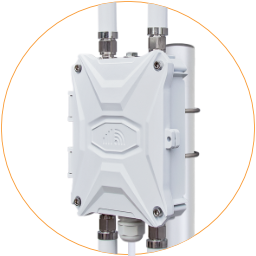
After connecting to PoE power, the outdoor router will take 2~3 minutes to boot up. We can use a phone or computer to join its open Wi-Fi hotspot “Outdoor-WiFi-xxx” or connect it to the Ethernet.
After connecting with Wi-Fi or Ethernet, open a web browser, enter the router IP
🔗 http://192.168.30.1 on the address bar.
The default setting has no password. Click the “Login” button to access the router’s admin panel.
.png?alt=media&token=0f1e284d-8ee1-4b76-8888-e99b082ae21f)